
Review, Learn, and Quiz modes
Three ways to study a deck: spaced-repetition review, weakest-cards-first learning, and graded practice quizzes.
Review
Tap Start review on the Study tab (or open any deck). Tap the card to reveal the answer, then rate how well you knew it: Again, Hard, Good, or Easy. Your rating sets when the card comes back; the interval preview under each button shows exactly when. Reviews are due-first, so a session is always the cards that matter most right now.
Learn
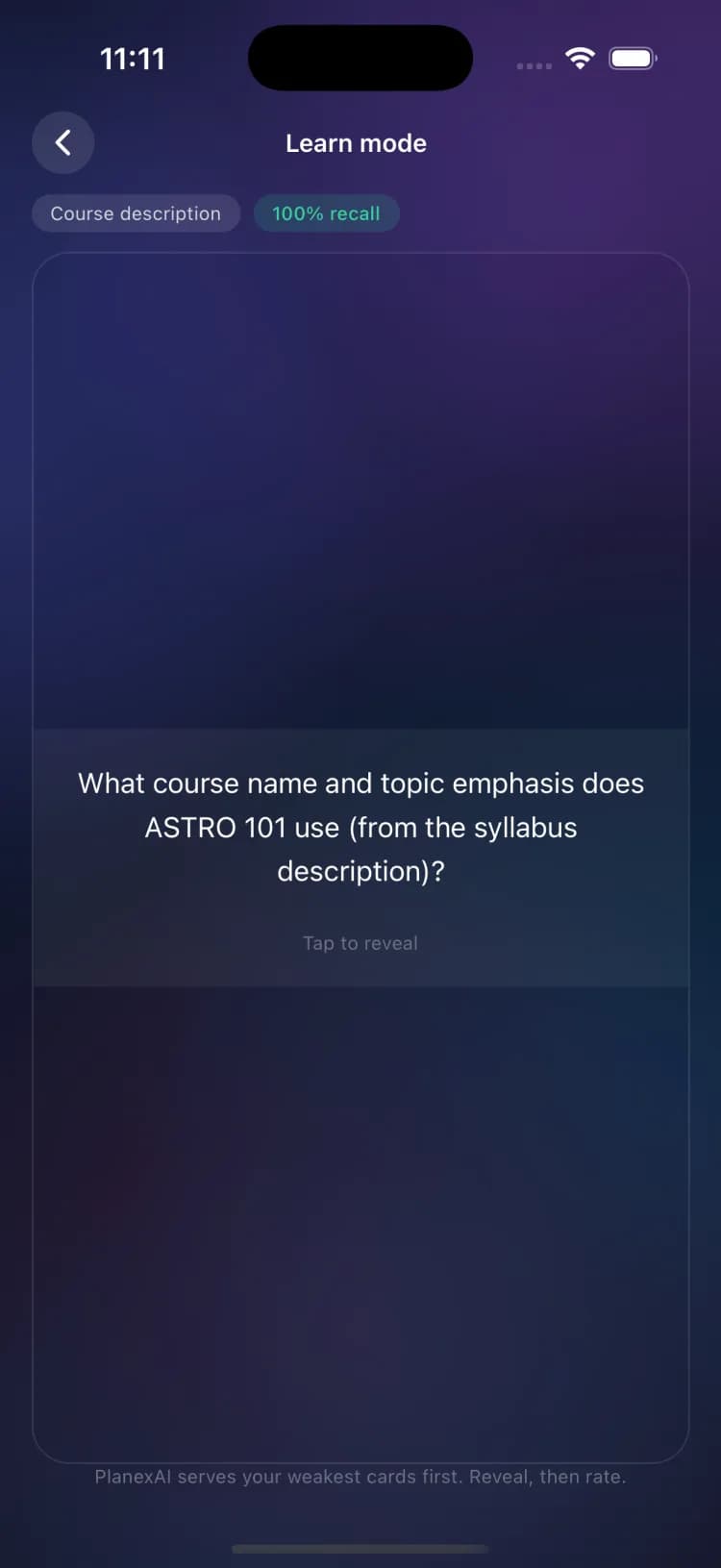
Learn weakest cards serves your lowest-recall cards first, with a recall percentage on each so you can watch weak spots recover. New cards mix in after the weak ones.
Quiz
Quiz mode turns any deck into a 10-question graded quiz: multiple choice, true or false, and fill-in-the-blank, at Easy, Medium, or Hard difficulty. Results show your score, what you missed, and an explanation per question, with a one-tap Try another difficulty. Quiz mode is part of Academic Plus.
Retake anytime
Every quiz you create is saved. My quizzes, under More tools on the Study tab, lists them all, and retakes load your saved questions instantly instead of generating new ones.
Free plan limits
Free accounts get 5 card reviews per day; Academic Plus and Pro are unlimited. See Compare plans.
Frequently asked questions
What do Again, Hard, Good, and Easy actually do?
They set when the card returns. Again reschedules it soon, Hard brings it back sooner than normal, Good uses the standard spacing, and Easy pushes it further out. The interval preview under each button shows the exact timing before you choose.
Related guides
Create SmartCards
Five ways to build a deck: a syllabus scan, your notes, manual cards, a Quizlet or Anki import, or the ready-made library.
Get exam ready with Exam Mode
PlanexAI plans short prep sessions before each exam. Every card needs two Good ratings to retire, and the plan adapts as the exam gets closer.